
Download AltspaceVR – virtual reality social platform, VR meetings, social VR app, VR hangout, VR events, VR communication tool, immersive social experience
Overview
AltspaceVR is a desktop application designed to bring people together in shared virtual environments through immersive social experiences. The software enables users to connect with friends, family, and strangers in real time using compatible VR hardware such as Gear VR, Oculus Rift, and HTC Vive. It serves as a platform for social interaction, offering virtual meetings, group hangouts, and live events that transcend physical distance. The primary purpose of AltspaceVR is to create a sense of presence and connection in digital spaces, making remote communication more engaging and interactive.
Target users include individuals seeking alternative ways to socialize, professionals interested in virtual collaboration, and event organizers looking to host gatherings in a digital space. The app supports both casual and structured interactions, allowing users to participate in spontaneous conversations or attend scheduled events. Real-world use cases include remote team check-ins, virtual birthday parties, online conferences, and community meetups. With a growing user base and daily logins from thousands of participants, AltspaceVR fosters a dynamic environment for social engagement.
Developed by AltspaceVR, the application emphasizes accessibility and ease of use, aiming to lower the barrier to entry for those new to virtual reality. While the developer did not provide additional background details, the platform’s focus on inclusive, real-time interaction highlights its mission to bridge gaps in physical proximity through technology.
Key Features & Capabilities
- Virtual Reality Social Interaction – Users can join or create virtual spaces to meet friends, share experiences, and communicate using voice and gesture-based interactions.
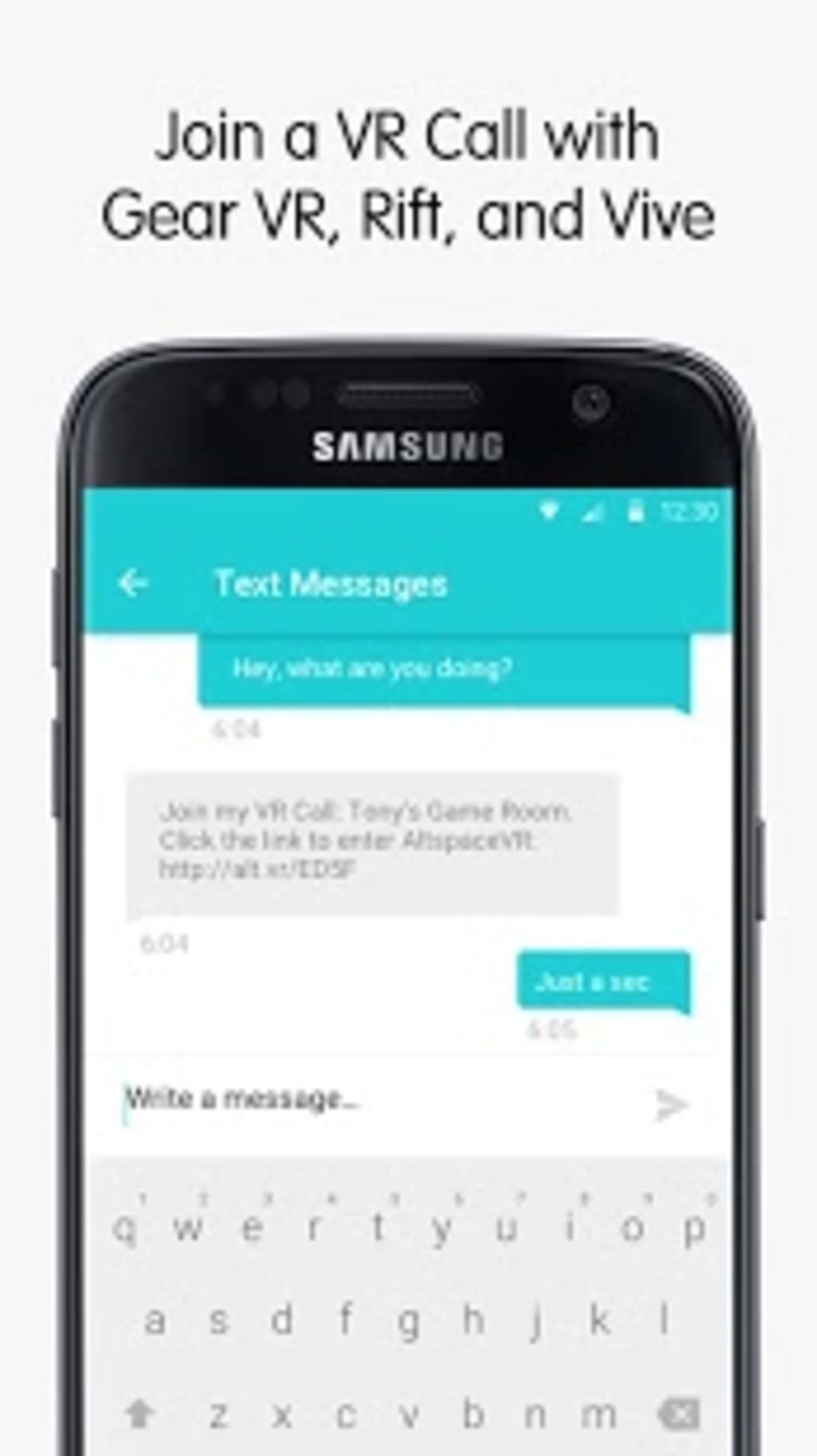
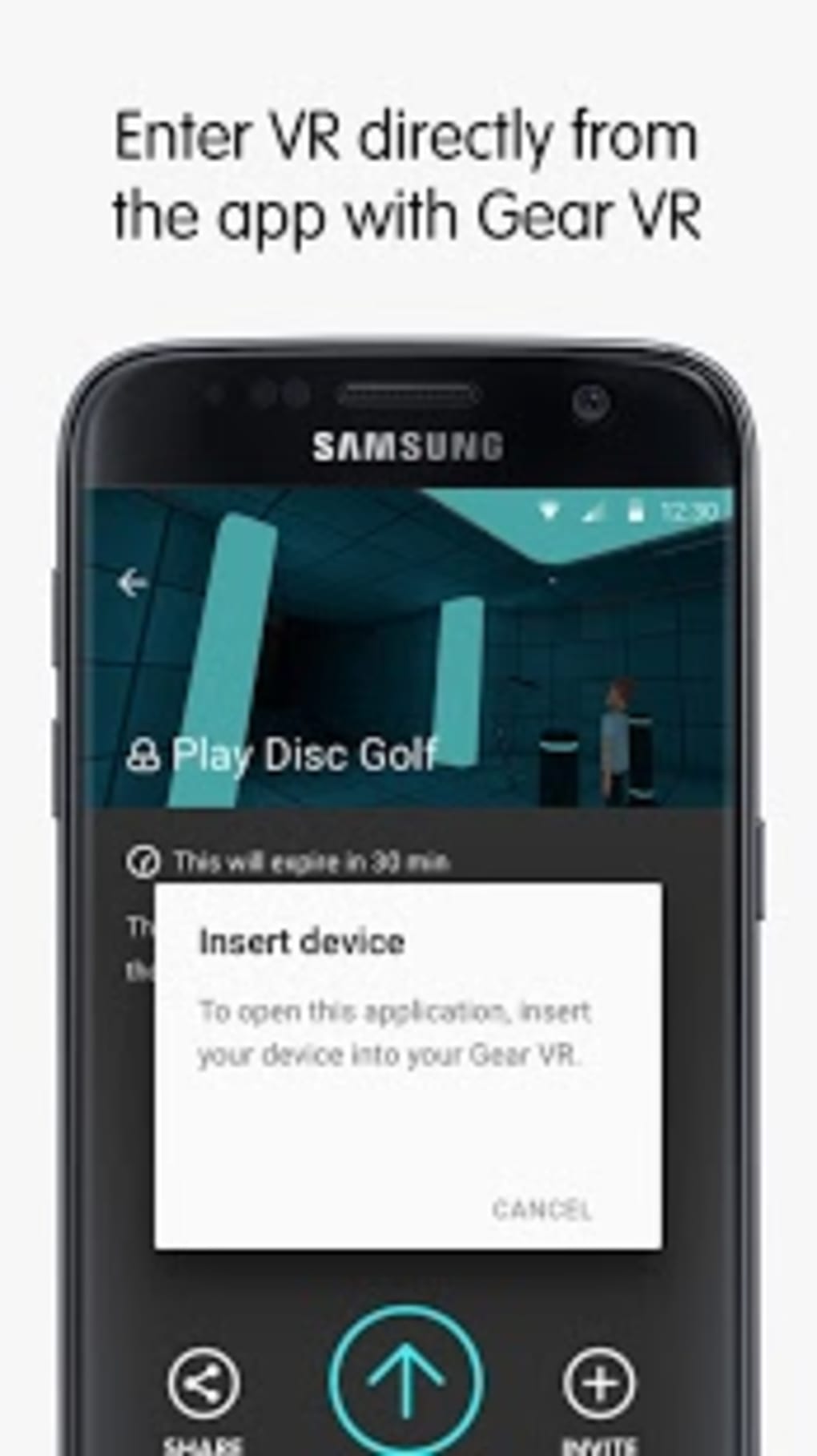
- Multi-Device Compatibility – Supports integration with Gear VR, Oculus Rift, and HTC Vive, enabling a consistent experience across different VR headsets.
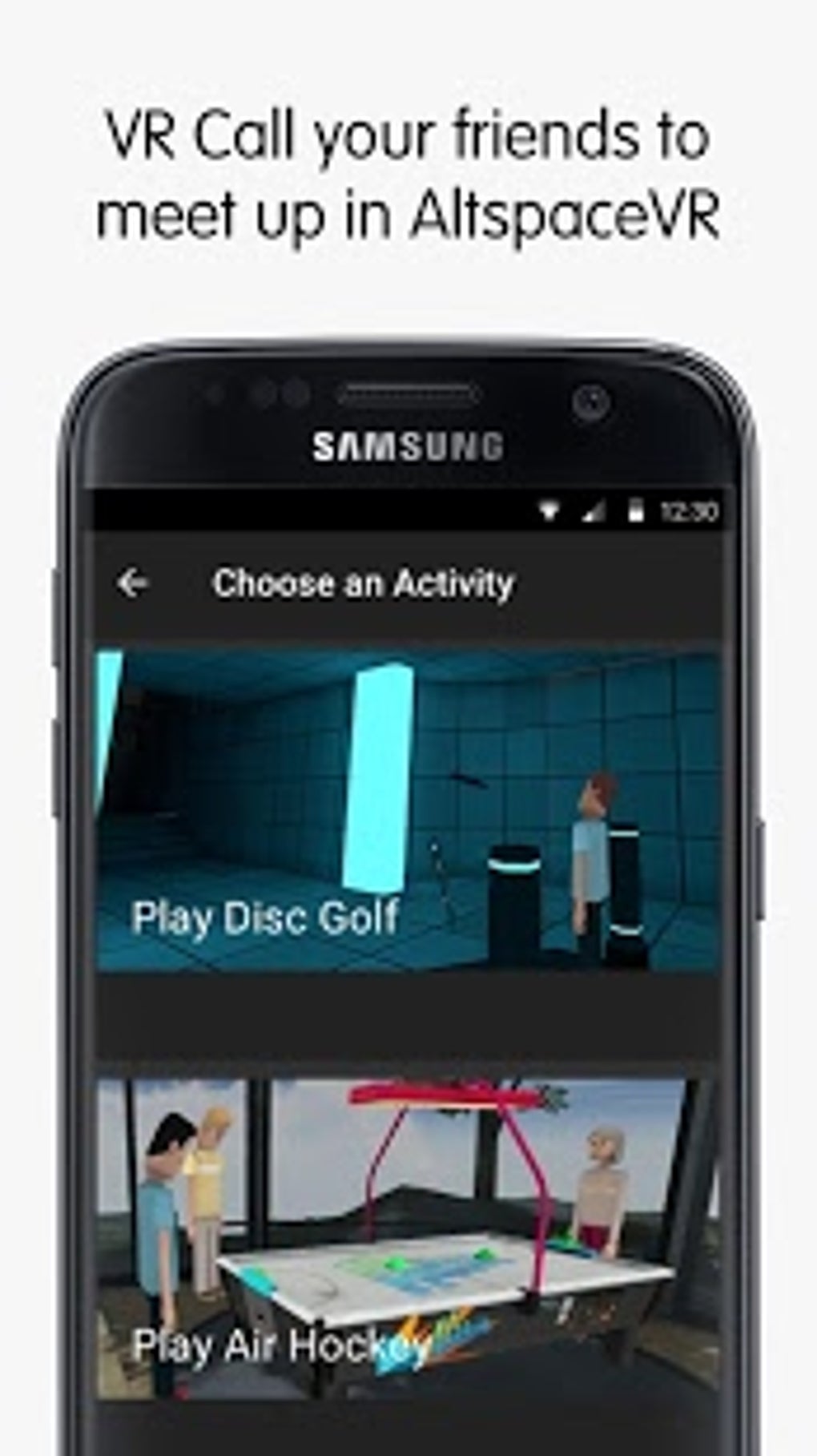
- Group Events and Gatherings – Offers access to scheduled and spontaneous events, including live performances, discussions, and themed parties.
- Media Sharing in VR – Allows users to view and share photos and videos within the virtual environment, enhancing personal storytelling and memory sharing.
- Real-Time Communication Tools – Includes voice chat and instant invitations, facilitating seamless interaction during VR sessions.
- 24/7 In-App Support – Provides assistance within the application to resolve technical or usability issues quickly.
These features empower users to maintain relationships, collaborate remotely, and explore new forms of digital presence. For example, a remote team can hold a VR meeting where members present slides while seated around a virtual table. Similarly, friends across continents can celebrate a birthday in a shared virtual room, viewing each other’s avatars and sharing digital gifts. The ability to join public events also opens opportunities for users to discover new communities and interests, making AltspaceVR more than just a communication tool—it’s a social ecosystem.
User Interface, Workflow & Performance
The user interface of AltspaceVR is designed around immersive navigation within virtual spaces. Users interact with menus and controls through hand gestures or controller inputs, depending on the connected hardware. The layout emphasizes intuitive movement and spatial awareness, allowing users to browse available events, manage friend lists, and access settings with minimal friction.
Workflow efficiency is enhanced by quick access to recent sessions, saved events, and direct invitation options. The application supports smooth transitions between different virtual environments, maintaining consistent performance during active sessions. However, exact performance details were not specified by the developer, and resource usage such as CPU or RAM consumption remains undisclosed. General software behavior suggests that performance may vary based on hardware capabilities and network stability.
Stability appears to be maintained through regular updates and in-app support, though no official reports on crash rates or session interruptions were provided. Users are encouraged to ensure their VR devices are up to date and properly configured for optimal experience. The developer did not specify resource usage details, so performance expectations should be based on typical VR application behavior.
Compatibility & System Requirements
AltspaceVR is compatible with Windows and Mac operating systems, supporting both desktop and VR headset integration. The software version is 2.0.0, with a file size of 550MB, indicating a lightweight installation relative to other VR applications. The application requires compatible VR hardware such as Gear VR, Oculus Rift, and HTC Vive for full functionality.
Exact system requirements were not listed, and no specific hardware specifications such as GPU, RAM, or processor speed were provided. Platform compatibility information is limited to the supported OS and VR devices. Users should verify that their VR headset and computer meet the minimum requirements of the respective hardware manufacturer. The developer did not provide additional details about system compatibility beyond the OS and device support.
Pros and Cons
Pros
- Free to download and use, removing financial barriers to entry
- Supports multiple VR headsets, increasing accessibility
- Offers real-time social interaction in immersive 3D environments
- Features scheduled and spontaneous events for diverse engagement
- Includes in-app support for troubleshooting and guidance
- Enables media sharing within virtual spaces, enhancing personal connections
Cons
- Requires VR hardware for full functionality, limiting use on standard desktops
- Exact system requirements were not specified, making compatibility assessment difficult
- Performance may vary depending on hardware and network conditions
- Relies on external devices, increasing setup complexity
- May have a learning curve for users unfamiliar with VR interfaces
FAQ Section
Is AltspaceVR compatible with my VR headset?
AltspaceVR supports Gear VR, Oculus Rift, and HTC Vive. Confirm that your headset is listed and properly connected to your computer for optimal performance.
Is the software free to use?
Yes, AltspaceVR is available at no cost. There are no subscription fees or in-app purchases required to access core features.
Do I need a powerful PC to run AltspaceVR?
While the application is designed for VR environments, specific hardware requirements were not provided. It is recommended to use a system that meets the standards of your VR headset’s manufacturer.
Can I use AltspaceVR without a VR headset?
AltspaceVR is primarily designed for VR headsets. While the desktop version may allow limited access, full functionality requires compatible VR hardware.
Is there a license type for AltspaceVR?
The software operates under a free license model. No formal license agreement was detailed in the provided information.
Final Thoughts
AltspaceVR delivers a compelling vision of social interaction in virtual space, combining accessibility, real-time communication, and immersive experiences. Its support for multiple VR devices and inclusion of events, media sharing, and in-app assistance make it a strong choice for users interested in exploring social VR. While the lack of detailed system requirements and performance data limits advanced planning, the app’s free availability and active community suggest long-term value.
Professionals, remote teams, and individuals seeking meaningful digital connections will benefit most from this platform. For those already invested in VR technology, AltspaceVR offers a ready-made environment for collaboration and entertainment. Its blend of social features and event-driven engagement positions it as a leader in the growing field of virtual social platforms.
Download AltspaceVR now





.png)

